

How to Write a Professional Email to Multiple Recipients
Sending a professional email to multiple recipients sounds simple until you open a blank compose window and freeze at the greeting line. Here's the thing - the greeting is the least important part. A single group email beats five individual messages because it creates one thread, one source of truth, and faster decisions. Structure and clarity determine whether five people actually do what you need, or whether your message disappears into the void.
What You Need (Quick Version)
Every professional group email has five components. Nail these and you're ahead of 90% of senders:
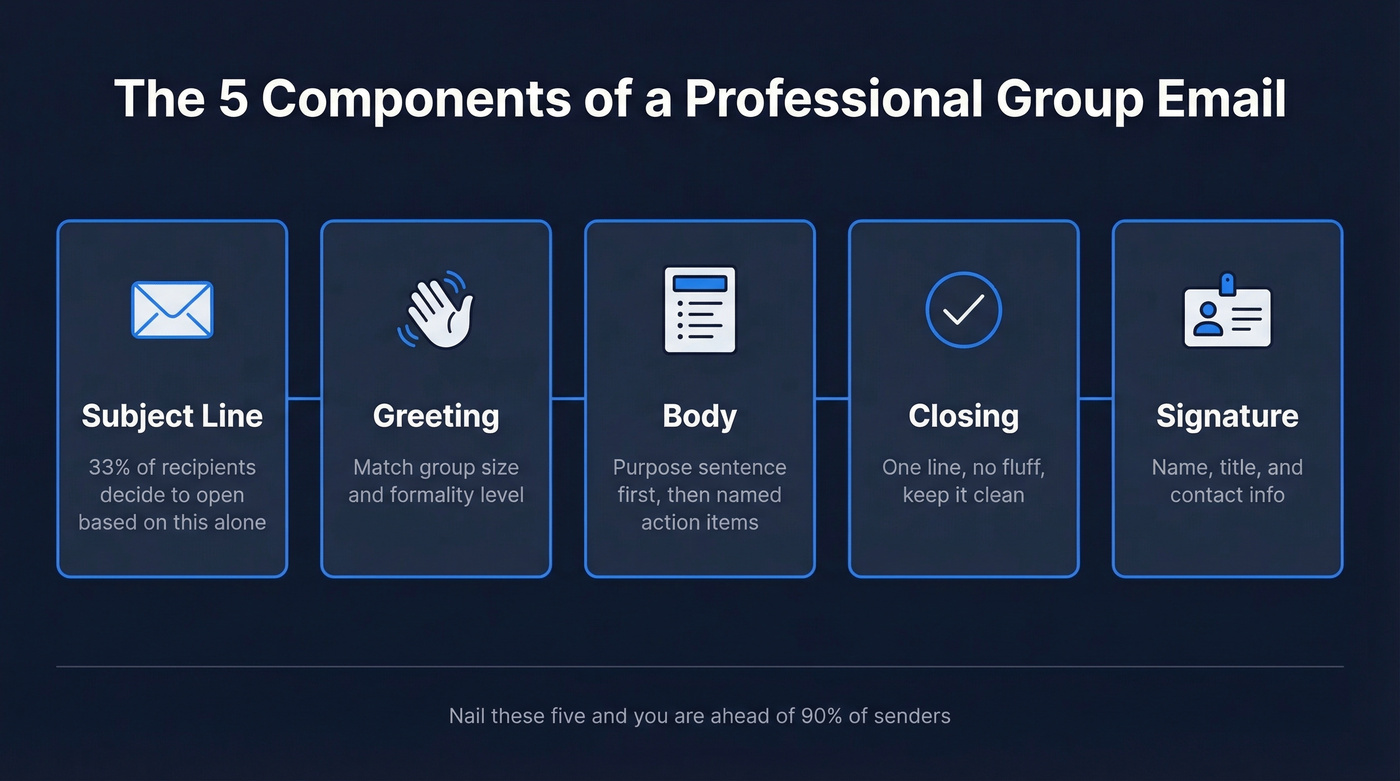
- Subject line - 33% of recipients decide whether to open based on this alone (if you want more ideas, borrow from these email subject line examples)
- Greeting - appropriate for group size and formality
- Body - purpose sentence first, then action items with named owners
- Closing - one line, no fluff
- Signature - name, title, contact info
How to Address Multiple Recipients
The greeting depends on how many people you're writing to and how well you know them.
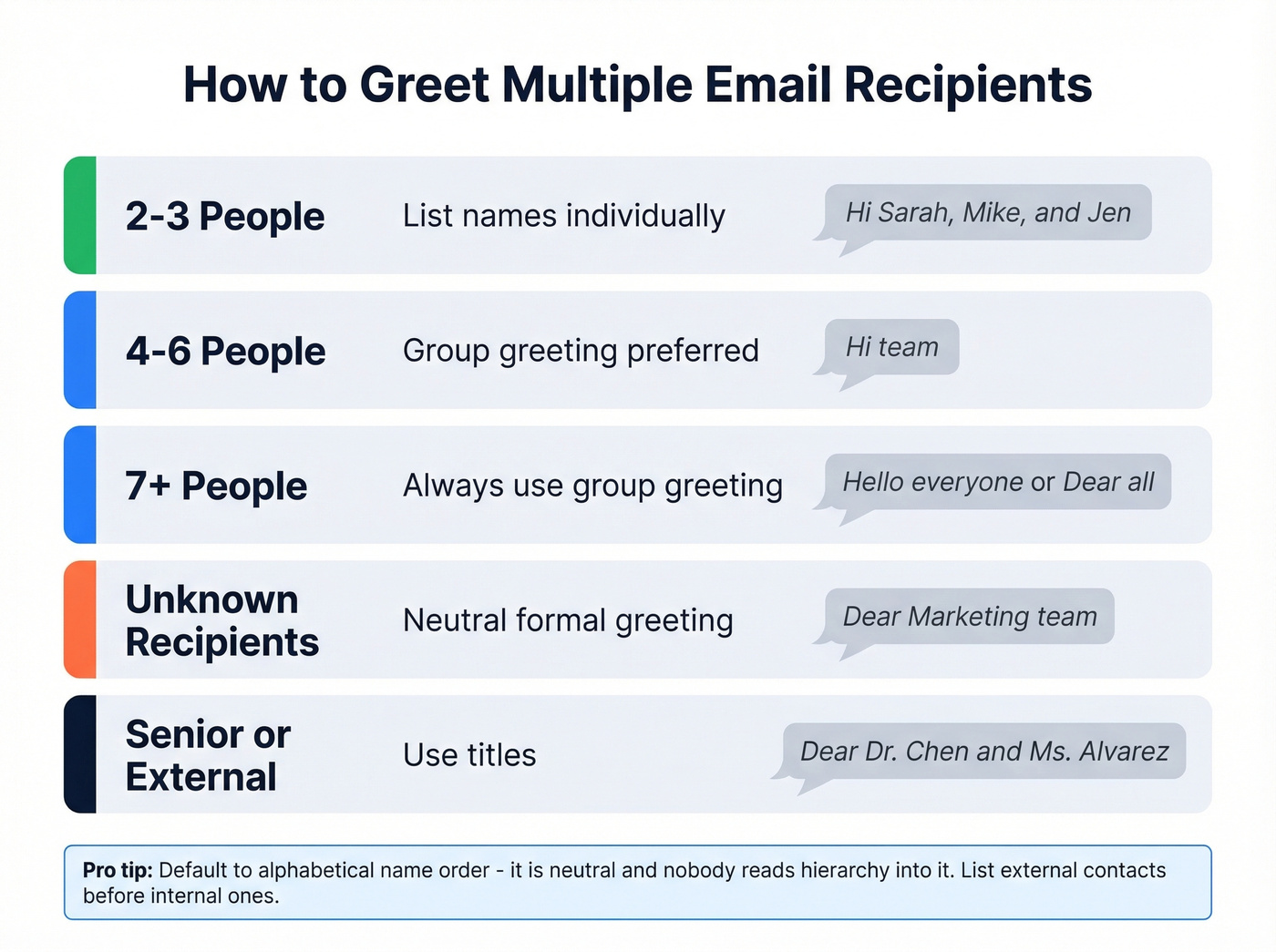
| Group Size | Greeting Style | Example |
|---|---|---|
| 2-3 people | Names individually | "Hi Sarah, Mike, and Jen" |
| 4-6 people | Group greeting preferred | "Hi team" (or list names if it's 4) |
| 7+ people | Group greeting | "Hello everyone" / "Dear all" |
| Unknown | Neutral formal | "Dear [Department] team" |
| Senior/external | Titles | "Dear Dr. Chen and Ms. Alvarez" |
For small groups, listing names feels personal and signals you're not blasting a template. Once you get beyond 3-4 people, "Hi team" is cleaner and nobody counts heads to see if they were included.
Name ordering is a subtle signal most senders ignore. Default to alphabetical - it's neutral and nobody reads hierarchy into it. If you're emailing external contacts alongside internal ones, list external recipients first. And drop "Dear Sir or Madam" entirely. "Dear hiring committee" or "Dear [company] team" is gender-neutral and doesn't sound like it was written in 1997.
Structure the Email for Action
You sent a group email last week. Three people did nothing because they assumed someone else would handle it. That's not a people problem - it's a structure problem.
Start with a specific subject line. "Q3 Budget Review - Action Needed by Friday" beats "Quick update" every time. Then lead the body with one sentence stating why you're writing, followed by bullets with named owners and deadlines. Some teams use @Name tags in email bodies to mirror Slack-style conventions, and it works well if your team's already used to that pattern. A solid rule is the six-line rule: if your email runs longer than six lines, cut it or move the detail to an attachment or a shared doc. (If you need a follow-up after this thread, use these sales follow-up templates.)
Here's a template for internal teams:
Subject: Q3 Budget Review   -   Action Needed by Friday

Hi team,

Sharing the updated Q3 budget. Two things need your input:

• @Maria: Confirm marketing spend by Thursday EOD.
• @Lee: Flag any engineering overages by Friday noon.

If nothing's changed on your end, no reply needed.

Thanks,
[Name]
And a shorter one for external stakeholders:
Subject: Partnership Agreement   -   Review by March 20

Dear Ms. Alvarez and Mr. Chen,

Attached is the revised partnership agreement. Please review Section 3 (payment terms) and confirm approval by March 20.

Happy to schedule a call if anything needs discussion.

Best regards,
[Name]
The "no reply needed" line in the first template is doing heavy lifting. It tells people who aren't named that they can move on without guilt. If you do need a response, make the ask explicit with a clear email call to action.

You just structured the perfect group email - named owners, clear deadlines, tight subject line. Now imagine it bouncing for two of your five recipients. Prospeo verifies professional emails in real time with 98% accuracy across 143M+ contacts, so every person on your To line actually gets the message.
Don't let a bounced email derail your group thread. Verify before you send.
CC, BCC, and Reply-All Rules
CC means visibility only. You're saying "this person should know about this, but doesn't need to act." Don't greet CC'd people in the body - they're observers, not participants. If you're managing lots of stakeholders, a lightweight contact management software setup helps keep lists clean.
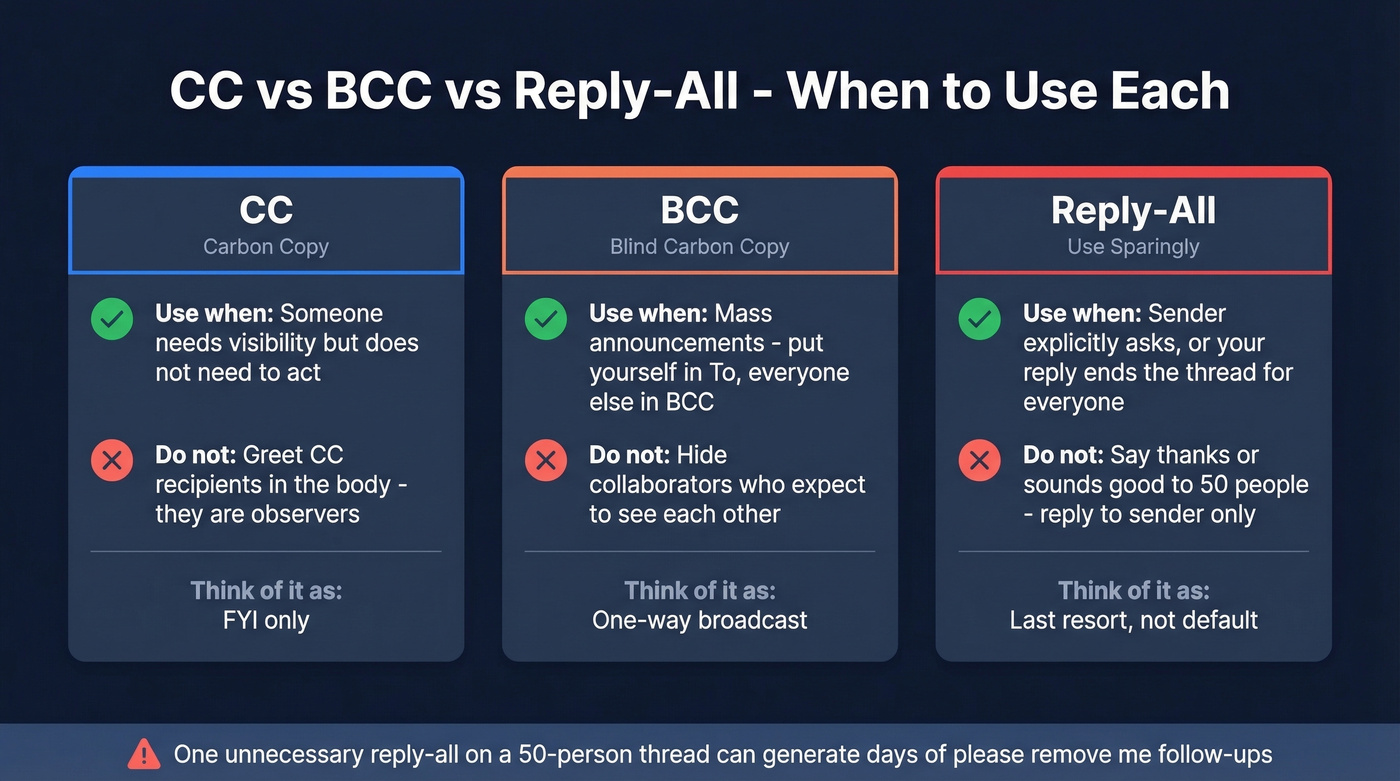
BCC is your best friend for mass announcements. A common tip we've seen across r/email and r/sales threads: put yourself in the To field and everyone else in BCC. Reply-all now goes only to you. One caveat - don't BCC collaborators on threads where they'd expect to see each other. BCC is for mass sends, not for hiding participants. (If you're doing true bulk sends, follow a safer email velocity plan.)
Reply-all should be your last resort. 99% of the time, reply to the sender only. Use reply-all when the sender explicitly asks for it, or when your response genuinely ends the thread for everyone. If you're just saying "thanks," reply to the sender alone. Nobody needs 14 "sounds good!" notifications.
For recurring groups, set up distribution lists. Gmail uses Google Contacts labels (capped at 500 contacts per list) and Outlook uses Contact Groups. Distribution lists work for internal announcements - don't use them for marketing emails where you need analytics, automation, segmentation, or consent management. If you're sending campaigns, start with an email deliverability guide so your messages land where they should.
Some conversations shouldn't be group emails at all. Performance reviews, salary negotiations, bad news - pick up the phone.
Five Mistakes That Ruin Group Emails
1. CC'ing the world. Before adding anyone to CC, ask yourself who actually needs this. If you can't answer in five seconds, remove them.
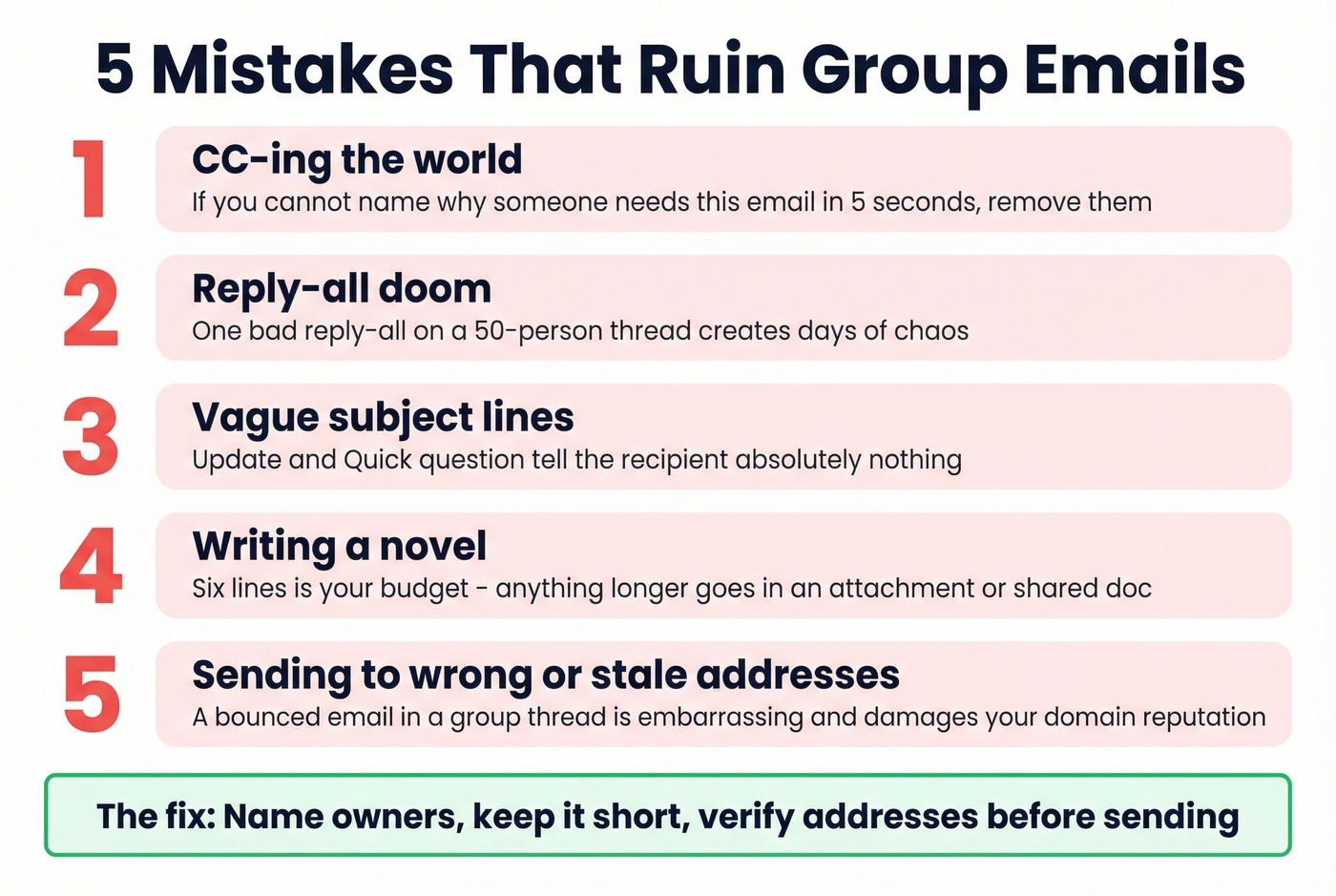
2. Reply-all doom. One unnecessary reply-all on a 50-person thread generates dozens of "please remove me" follow-ups. We've seen these chains last three days at companies that should know better.
3. Vague subject lines. "Update" and "Quick question" tell the recipient nothing. Include the project name and what you need. (If you're prospecting, use proven prospecting email subject lines.)
4. Writing a novel. Six lines. That's your budget. Anything longer goes in an attachment or a shared doc.
5. Sending to wrong or stale addresses. A bounced email in a group thread is embarrassing and damages your domain reputation. If you're emailing external contacts, verify addresses first - Prospeo checks emails in real time with 98% accuracy, and the free tier covers 75 email lookups a month, enough to clean a prospect list before you hit send. If you're troubleshooting bounces, start with email bounce rate.
Writing for Global Teams
60% of email misunderstandings in global teams come from tone interpretation, not language barriers. When your recipients span multiple countries, default to the highest level of formality until someone signals otherwise.
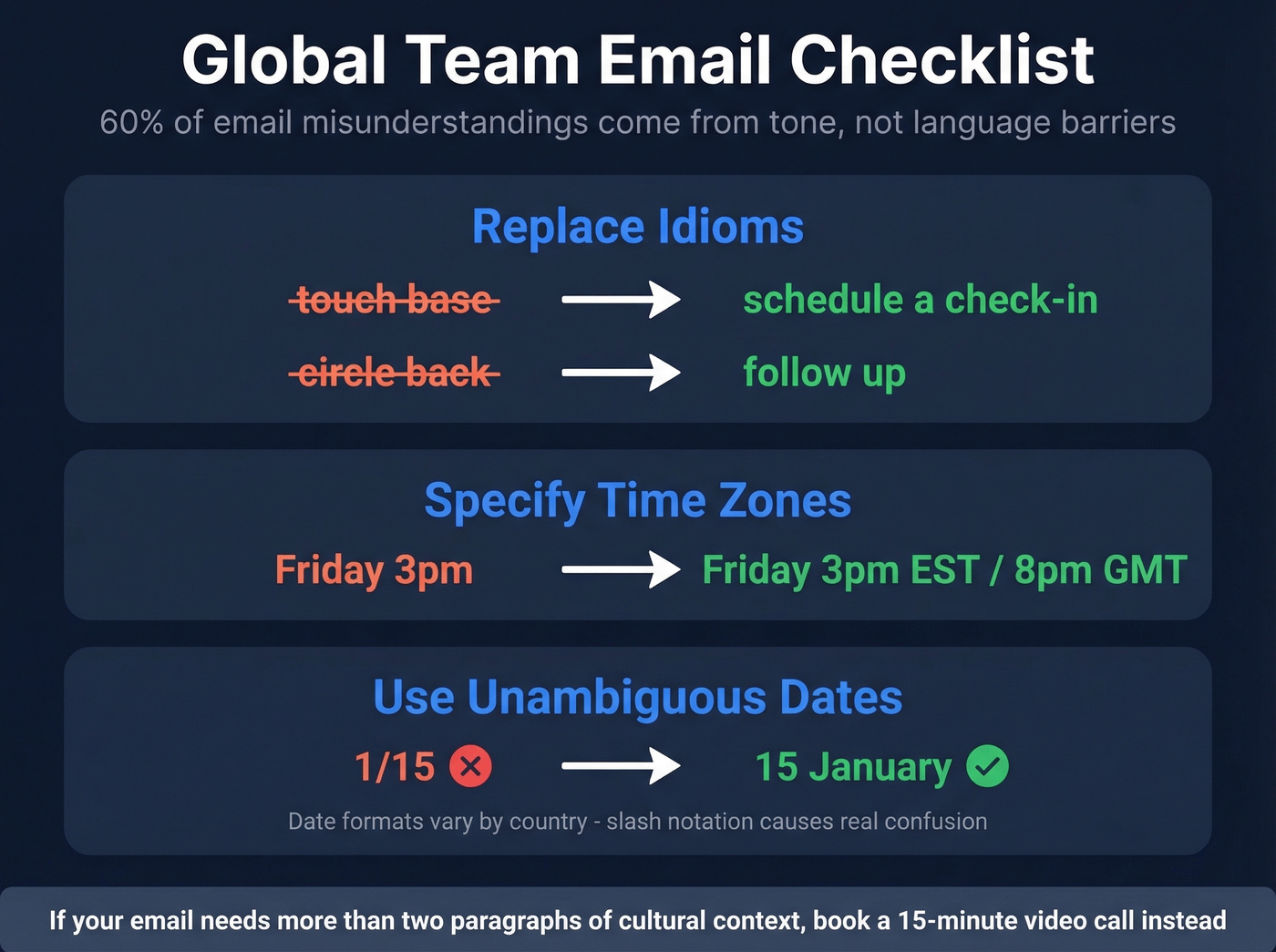
Practical checklist for cross-cultural group emails:
- Replace idioms: "touch base" becomes "schedule a check-in"; "circle back" becomes "follow up"
- Specify time zones: "Friday 3pm EST / 8pm GMT"
- Use unambiguous dates: "15 January" instead of "1/15" - date formats vary by country and slash notation causes real confusion
Let's be honest: if your group email needs more than two paragraphs of cultural context, it shouldn't be an email. Book a 15-minute video call instead. Written words across cultures lose nuance that a face and a voice restore instantly.
Half the battle of emailing multiple recipients is having the right addresses in the first place. Prospeo's email finder covers 300M+ professionals and runs 5-step verification - catch-all handling, spam-trap removal, the works - at roughly $0.01 per email. The free tier gives you 75 lookups a month.
Find and verify every recipient's email before you hit send.
FAQ
Does the order of recipients in the To field matter?
Not technically, but it signals priority. List the primary action owner first, then others alphabetically or by seniority. External contacts typically go before internal ones - it's a small courtesy that experienced professionals notice.
Should I use "Dear All" or "Hi Team"?
"Hi team" works for most workplace emails and reads warmer. Reserve "Dear all" for formal announcements or when addressing senior stakeholders you don't know well. Neither is wrong - choose based on your company's communication culture.
How do I verify group email addresses before sending?
For internal teams, your company directory handles it. For external contacts, use an email verification tool to check addresses before sending - a single bounce in a group thread undermines your credibility and can flag your domain with spam filters. In our experience, cleaning a list of even 20-30 external contacts before a group send saves you from the kind of "delivery failed" reply-all chain that nobody wants to explain to their manager.